weeknotes: retina, textiles, code
cajal.rs
This was the week of the Thanksgiving holiday, and between traveling, I zoomed through implementing cajal.rs before the printer deadline. It seemed too perfect that the gallery window was the same dimensional ratio as one of Cajal’s drawings of the retina. I mentioned how I sometimes draw on textile/weaving patterns, and Seth pointed out that the word for retina came from the word for net!
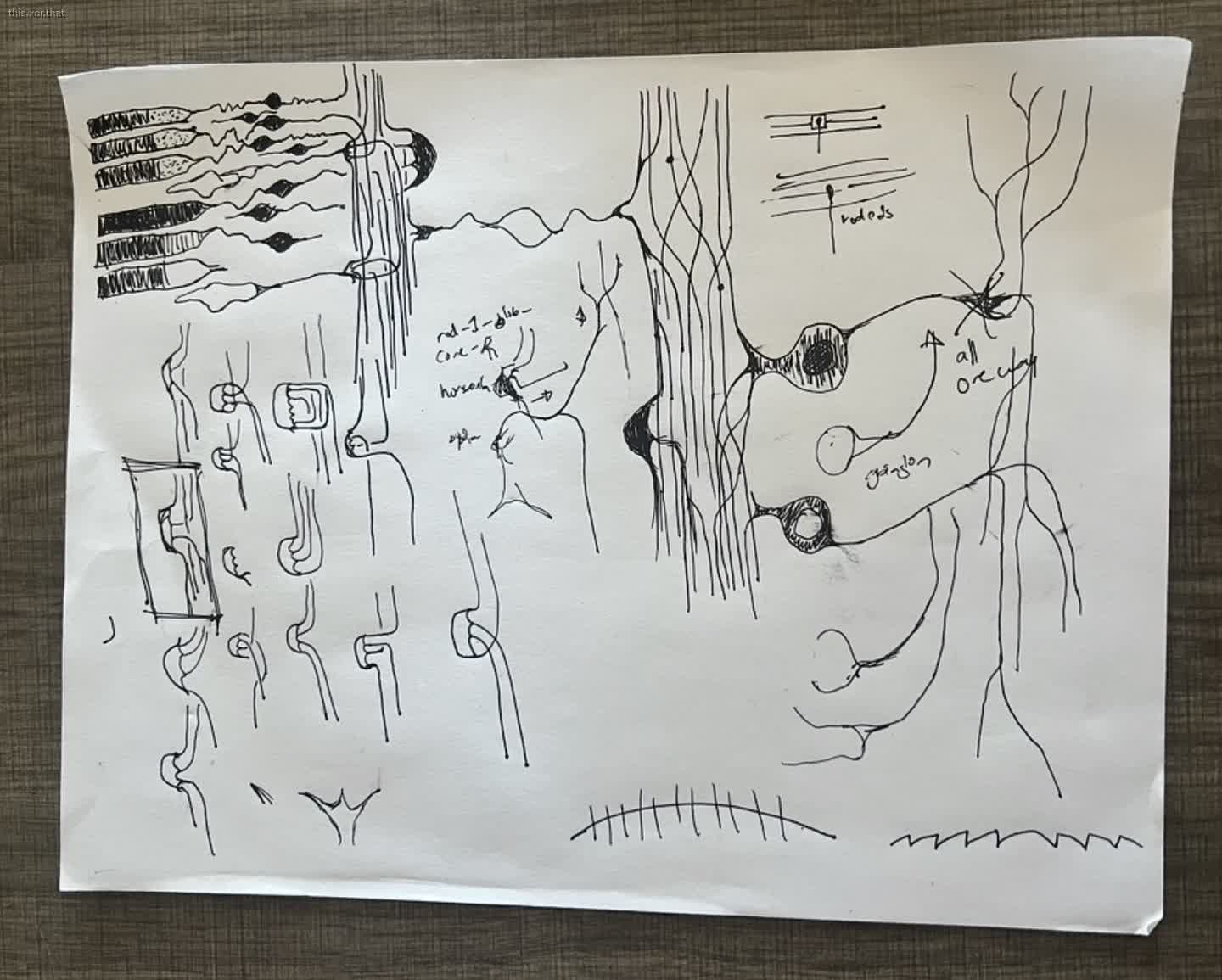
I spent about a week looking at the drawings from Cajal and Golgi, as well as doodling cells to get a feeling for them. I decided to have little bulbs for the thicker part of the cell bodies and lines for the thinner dendrites and such. Between the cells’ strata and the textile metaphor, it gave me a nice framework to work within.
Drawing and abstraction
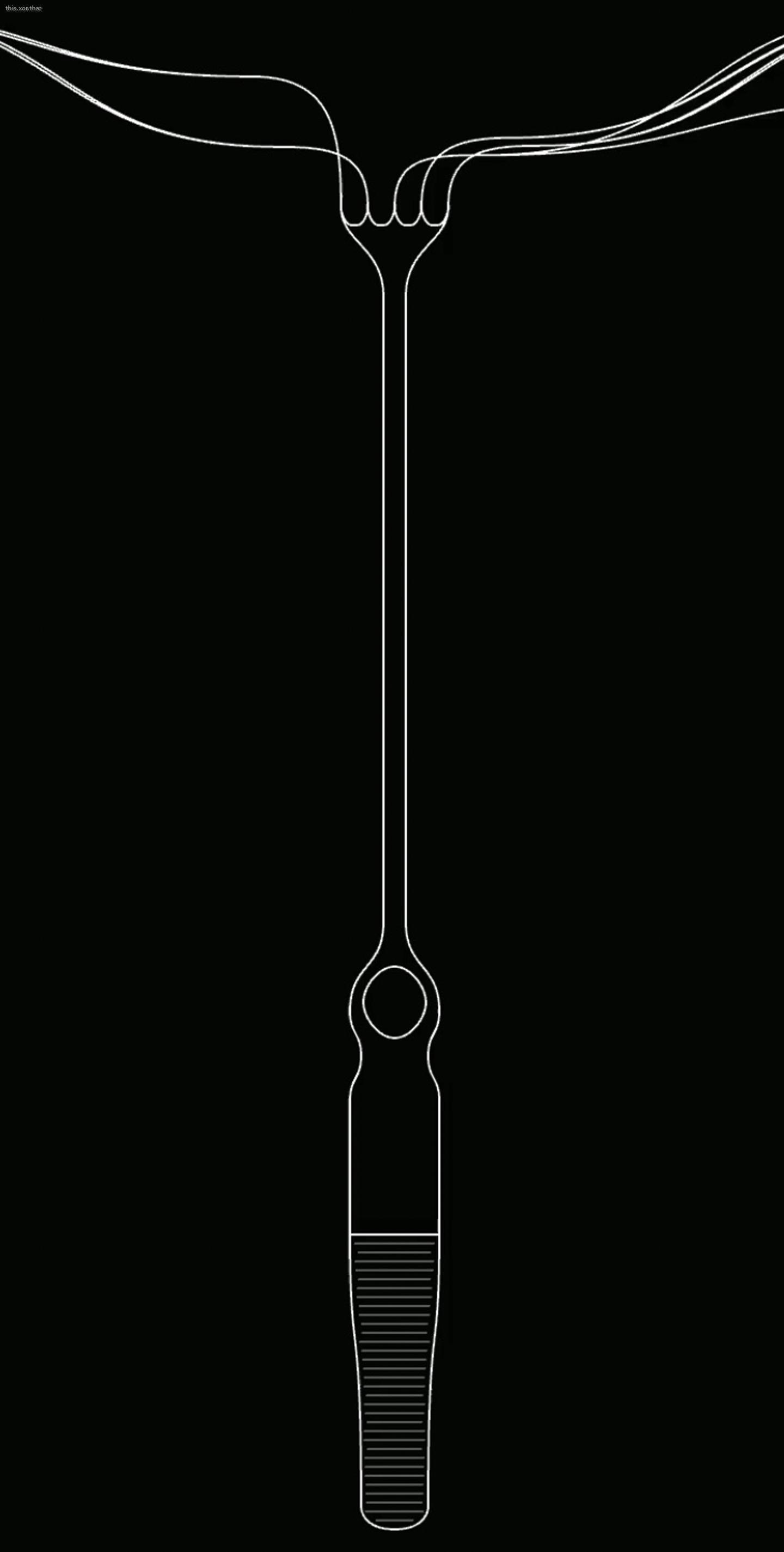
The macros I’ve been adding to build up curves for birds came in handy for this project, as well as the learnings from the shape grammars ogee project to connect points as tangents everywhere. I was in a mind-state closer to drawing than usual! Or, like, instead of being grumpy-focused on code, I was grumpy-focused on making shapes.
But it wasn’t long before I was back to being focused on code. After drawing rods and cones and starting to work on the next layer of cells, the horizontal/bipolar/amacrine, I succumbed to the temptation of refactoring the code into a general retina cell-drawing system. I had a general cell definition that has a top cap (either many connections, a point connection, smooth, or flat), a middle bulbous shape, and a bottom cap. On one hand, it meant the rest of the cells were easy to define, and it was trivial when I decided to break up the rods and bipolar cells into three separate cell parts and connect them with lines. On the other hand, I was running out of time and needed to switch back to the artwork before perfecting the system, and I had added a few extraneous variables that didn’t do anything, and other places where the curve directions were reversed, which I just hacked around with negative numbers. The state is workable while I’m actively working on the system, and I remember the gotchas, but it’ll trip me up in the future.
curves
While I had to keep telling myself to trust the process while making this, and I had doubts it would come together, I do really like how it turned out. It’s one type of system I’ve been trying to make, both technically and visually.
I’ve been learning from patterns in wallpapers and textiles for computer art, since with computers you can repeat a lot of individual objects, and wallpaper/textile artists have a long history of figuring out how to make interesting global patterns from repeating parts.
Conveniently for the retina piece, the ogee also looks a lot like cells. I liked getting to use the ogee shape again, where a shape’s edges are always tangent, but otherwise can be fluid. It lets me make organic shapes while still always creating valid outputs. Nesting curves of different sizes creates new curves I particularly like.
For the dendrites, I thought I would look at my favorite leaf system. But I ended up creating a new one that stuck with the same visual language of curved lines and tangents, but this time along grids. I wrote something that can draw a simple little tree, but the branches always connect along a horizontal tangent. I also snapped it to a vertical location to make it a little less messy. I had a few more ideas for this, but I think this works for this version!
Cathedrals
Normally, I use the “wallpaper” system, where I define a lattice of locations and symmetries, and then draw a shape that gets those locations/symmetries as well as additional variables depending on its position in the grid. Theoretically, you could define a lot of shapes by using the xy-location (I mean, shaders work that way, so you can do a lot!), but in practice, there are a lot of patterns that still don’t come naturally to me.
A few months ago, I added a new version of the system called “cathedral”, where you provide a list of ways to split something (radially, along a grid, etc). This was cooler, but also required each layer to be split the same way.
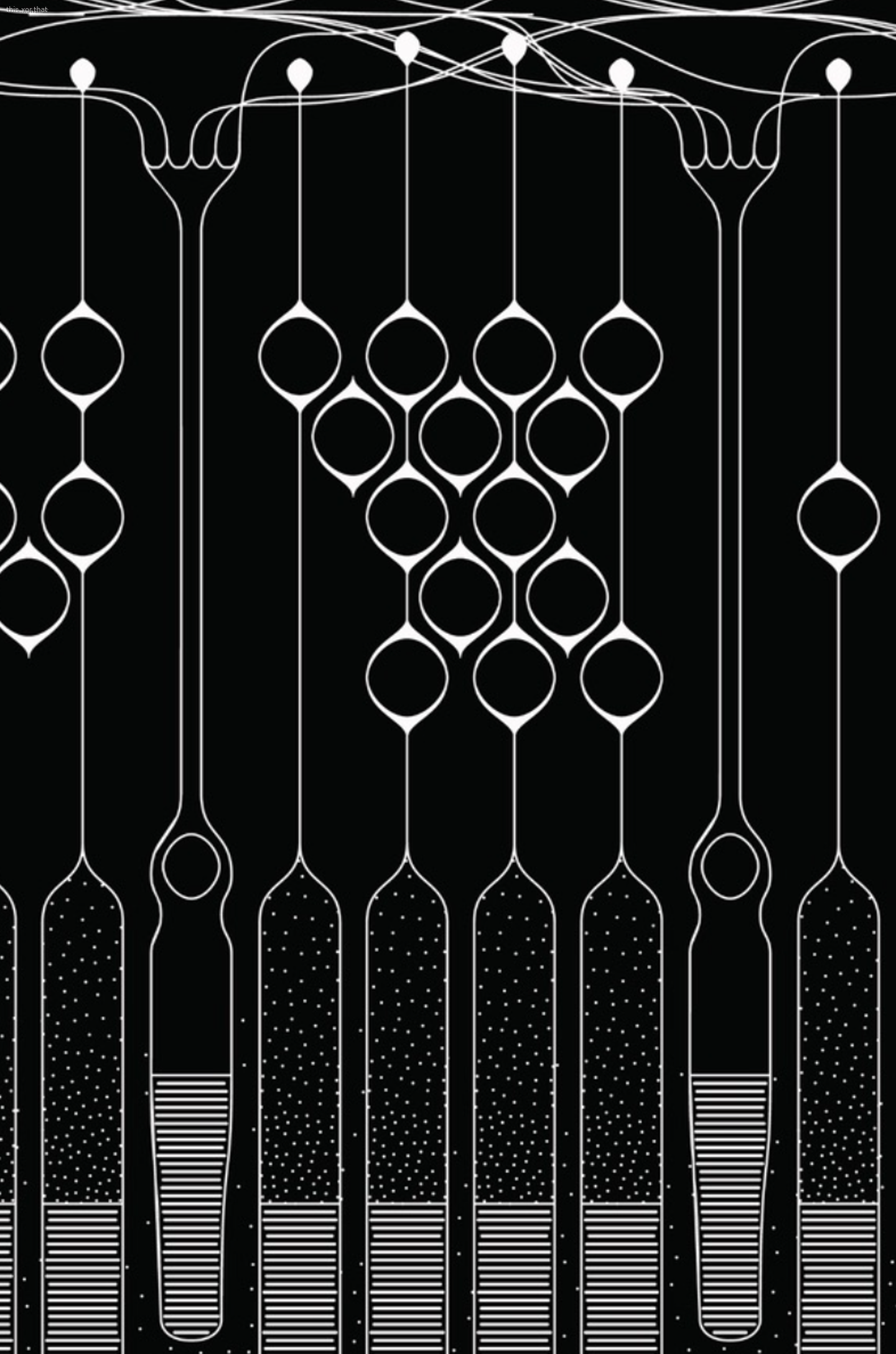
For this project, I tried a third paradigm here (called retina because why not): I wanted to have many different cell types, but to position them in the same grid. So, for a given location, sometimes I’d want to show a rod cell and other times a cone cell.
The way I did this was by having templates for each type of cell (a bipolar cell shares characteristics with all the other bipolar cells). Next, there is a structure section that says how many of each cell to show and where to show them. The structure section can also tell things to the template about this particular cell, for example, which way the bipolar should lean, or how many connections it has.
This successfully tied together “types of things” with the “structure of things”. It lets me use modulo patterns I enjoy (on, off, off, on, off, off). It gives shared attributes to a species and a personality to an individual.
There are a few limitations: unlike some of my other systems, it doesn’t naturally support symmetries, or putting points around a circle or along a path. It was also tedious to place strips of different objects so that they lined up. So pulling in some “location and angle” features from my other systems and being more careful about setting an element’s origin and bounding boxes could help in the future.
Lazy repeat..
I lost a day updating my macros to be able to use lazily-evaluated variables in the definition of a repeat element. As is tradition, I told myself it’ll be really, really cool to justify how long it took. So my lists of things can be defined like
 - loc: ["-120.0", "0.0"]
 - loc: ["-100.0", "0.0"]
 - loc: ["-50.0", "0.0"]
 - loc: ["-0.0", "0.0"]
 - loc: ["50.0", "0.0"]
 - loc: ["100.0", "0.0"]
 - loc: ["120.0", "0.0"]
I can drop in something that expands into multiple elements. So those 5 evenly spaced parameters can be squashed into one repeat, like this:
 - loc: ["-120.0", "0.0"]
 - repeat: 5
   prefix: iii
   what:
 - loc: ["s(iii_pct, -100.0, 100.0)", "0.0"]
 - loc: ["120.0", "0.0"]
And it’ll go through and build up the same list. This makes it a lot easier to add more items.
A “lazy” item lets me use a variable that’s custom to the system instead of in the initial loading stage. (At some point, they’ll probably get folded in together, but right now it’s two different codepaths.) Just as a by-product of the implementation, the value of the “repeat” key couldn’t use those lazy variables. When I found myself reaching towards that feature to vary the number of dendrites per cell, I needed to get that implemented.
Other features
CPU Poisson Disk Sampling
I brought in the Poisson disk sampling from senescence, and made it so I can vary the density using a function of the points’ position. That’ll be fun to use. That said, the vector-based version is extremely slow compared to the real-time texture-based one I usually use.